Visualization Exercise In-Feed Video
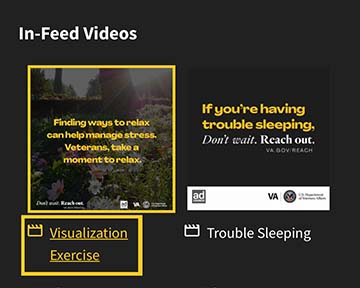
Life can get tough. Finding ways to relax can help manage stress. Veterans, take a moment to relax and remember, you don’t have to face it alone. Visit VA.gov/REACH to find helpful resources. #VetsReachOut

An official website of the United States government
Here's how you know

The .gov means it’s official.
Federal government websites often end in .gov or .mil. Before sharing sensitive information, make sure you're on a federal government site.

The site is secure.
The https:// ensures that you're connecting to the official website and that any information you provide is encrypted and sent securely.
If you are a Veteran in crisis or concerned about one, connect with our caring, qualified responders for confidential help. Many of them are Veterans themselves.
Get more resources at VeteransCrisisLine.net.
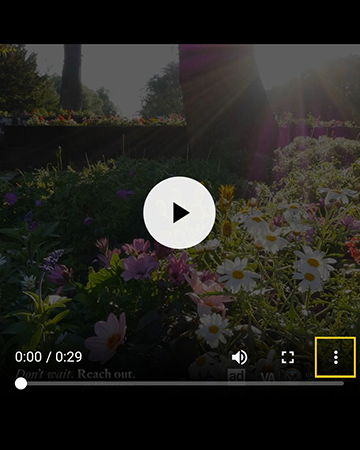
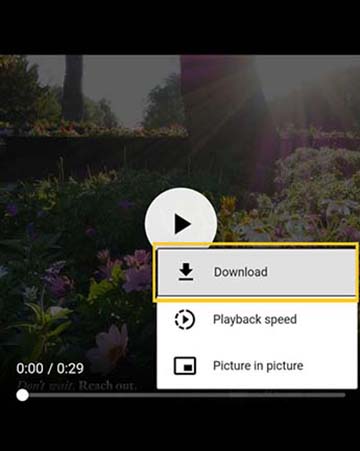
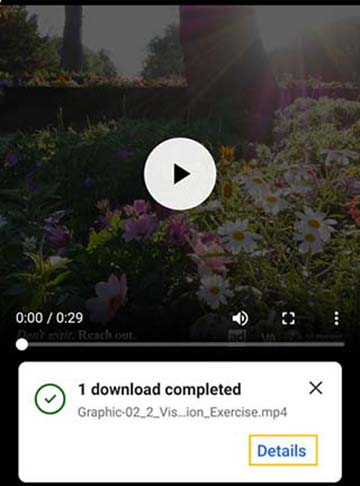
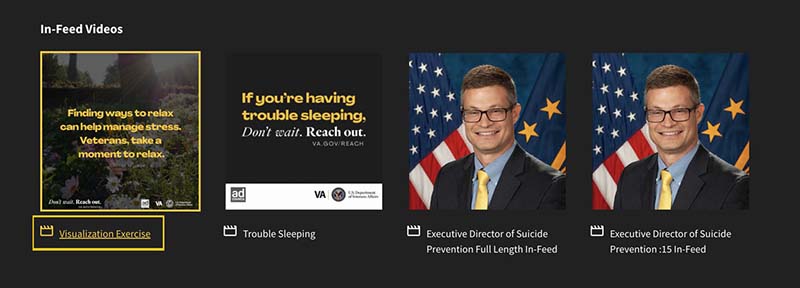
The below instructions explain how to download videos directly to your phone to upload to your social media.
Open the mp4 link
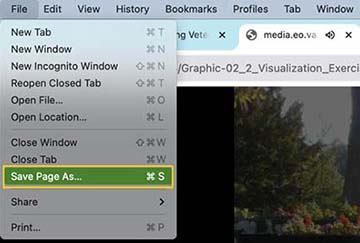
Go to "File" and then "Save Page As"
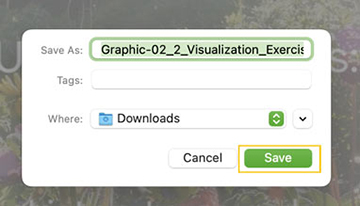
"Save Page As" will prompt you for where to download it to or automatically download it to your "Downloads" folder
Navigate to your social media account and upload the downloaded file from that folder
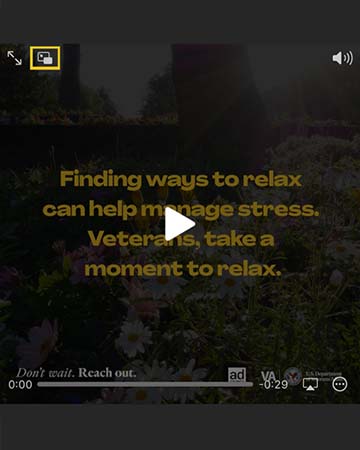
Open the mp4 link
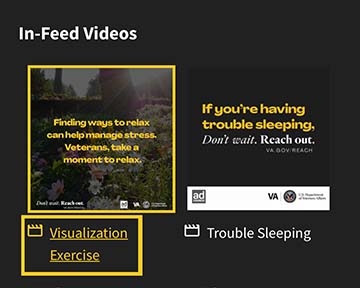
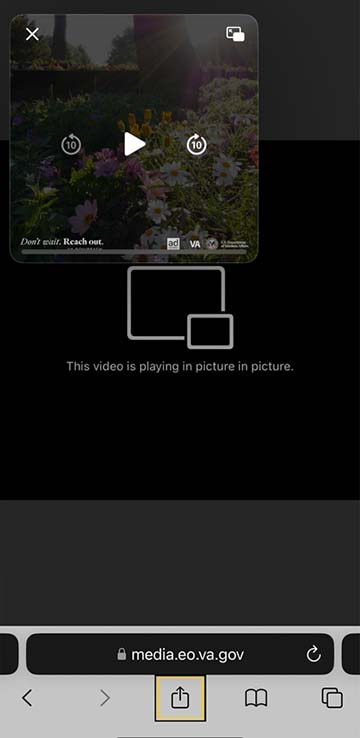
Exit full screen by tapping the "Picture in Picture" icon overlaying the image, then X out
In the bottom bar, under the URL, tap the "Share" icon
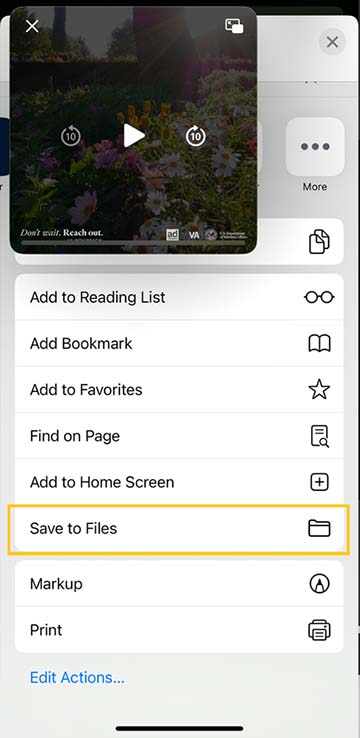
Select "Save to Files" then "Save"
Navigate to your "Files" app
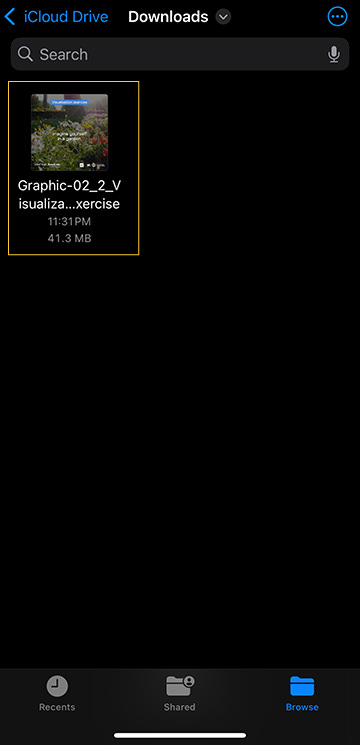
Select the video that you downloaded and tap the "Share" icon
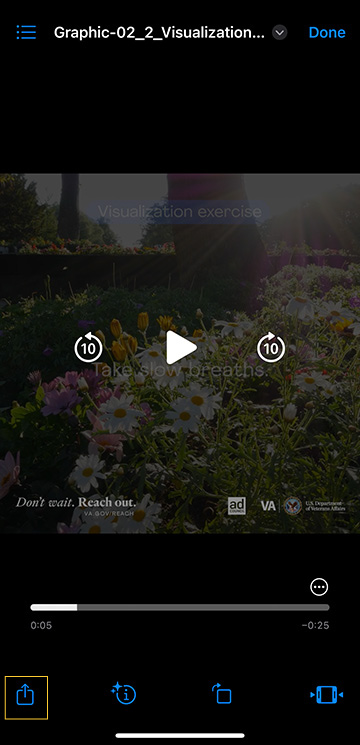
Select the social media app you want to share to
Life can get tough. Finding ways to relax can help manage stress. Veterans, take a moment to relax and remember, you don’t have to face it alone. Visit VA.gov/REACH to find helpful resources. #VetsReachOut